Shopify CSV image URL checker
Free preflight tool for broken image URLs, missing handles, duplicate images, and CSV upload errors.
Read guide Synctually
The blog focuses on listing workflow, product operations, merchandising details, and practical SEO for Shopify stores that already have product photos ready to go.
These are the main pages for merchants evaluating a workflow that turns product photos into reviewed Shopify listings.
Free preflight tool for broken image URLs, missing handles, duplicate images, and CSV upload errors.
Read guideCheck color option values, image alt text, variant image fields, and image order before theme edits.
Read guideThe core step-by-step guide for moving from photos to a reviewed product listing.
Read guideBatch listing workflow for merchants who have photos ready but no spreadsheet.
Read guideThe review checklist for AI-assisted Shopify listings before they go live.
Read guideStart with the newest editorial piece, then explore the rest of the archive below.
In ecommerce, new arrivals are products recently added to a store's catalog and promoted as fresh inventory. For merchants with weekly drops or frequent…
Built for Shopify merchants who already have product photos, but still need a cleaner path from editable listing details to a published product.
Read article
Posts designed for merchants who already have product photos, but still need cleaner listing throughput.
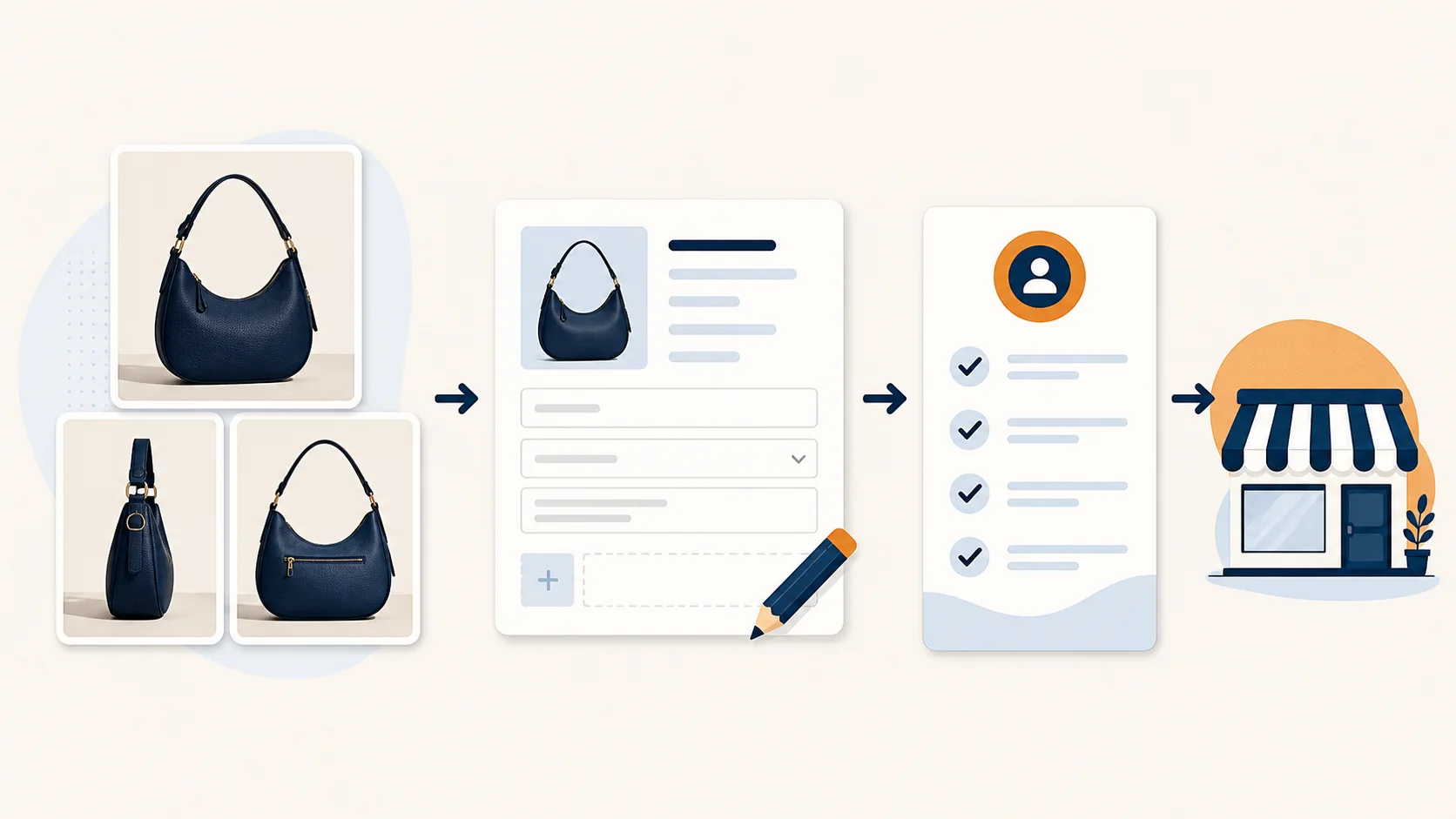
Shopify product listing apps do different things: import structured catalog data, improve products already in Shopify, or create new product drafts from…
Read post
The short answer is no, not natively. Shopify can store product images, publish finished products, and help generate description text when you provide…
Read post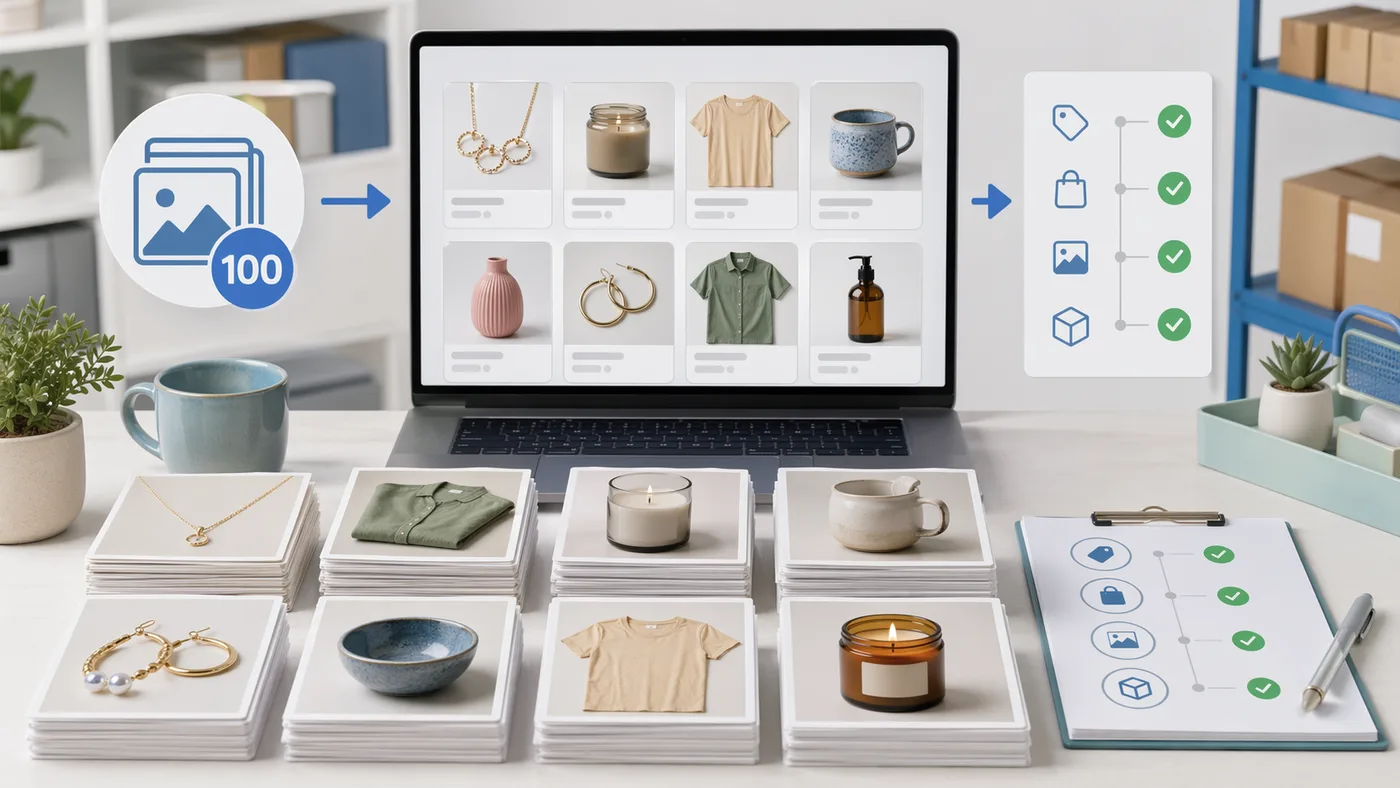
If you need to get 100 products into Shopify, the fastest method is not faster typing. It is a workflow that turns each product into a short review step…
Read postFor artisans, the variants question is usually harder than it is for standard retail catalogs. Handmade products often share a style, but still differ…
Read post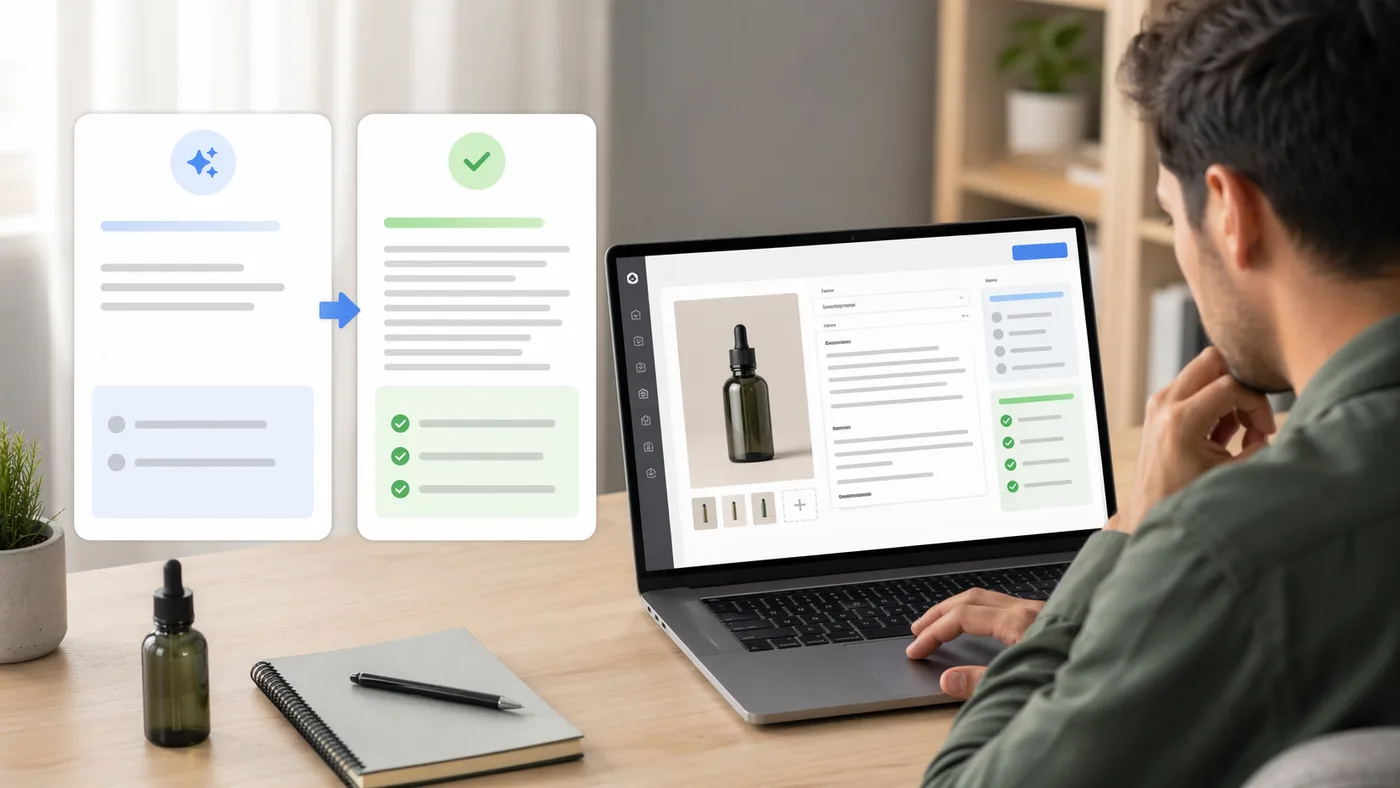
Great product photos grab attention — but it’s your product descriptions that convince shoppers to buy. A clear, well-written description can make the…
Read postIf you run a Shopify store, one structural choice affects both SEO and conversion: should similar items be one product with variants, or separate product…
Read postLearn how to take consistent product photos that speed up Shopify listing creation, reduce review time, and keep frequent new arrivals moving.
Read post